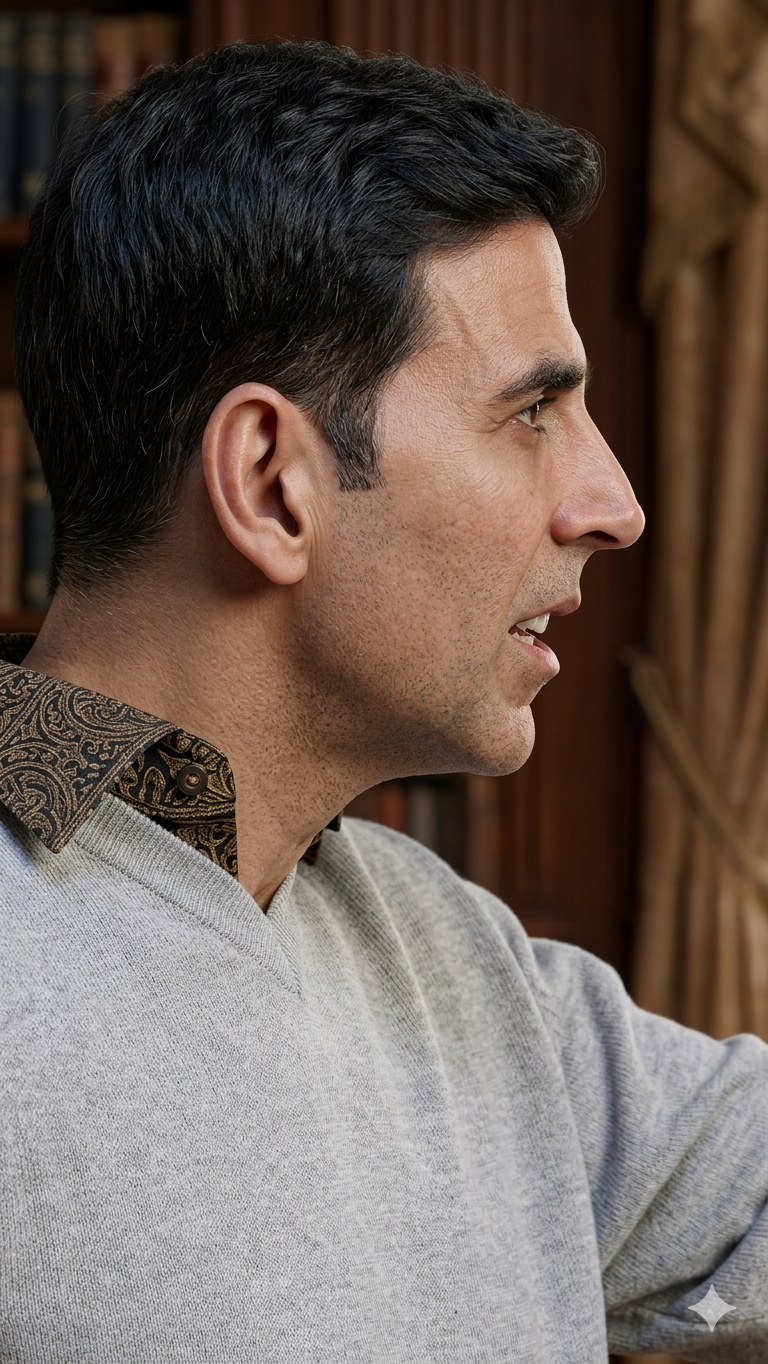
In today’s content-driven world, image quality can make or break your visual impact. Whether you’re a content creator, photographer, or social media enthusiast, having sharp, high-resolution images is essential.
But what if your image is blurry, pixelated, or low quality?
That’s where advanced AI prompts come in.
In this guide, you’ll learn a powerful, structured AI prompt designed to transform low-quality images into ultra-realistic, high-resolution outputs using systems like Nano Banana, Gemini, and other advanced AI models.
Why Image Enhancement Matters
Low-quality images often suffer from:
- Blur (motion or focus issues)
- Compression artifacts
- Noise and grain
- Loss of fine details
Enhancing these images improves:
- Professional appearance
- Engagement on social media
- Visual clarity for content creation
The High-End AI Enhancement Prompt
Below is a ready-to-copy prompt you can use:
You are an elite AI system specialized in forensic image reconstruction, computational photography, and super-resolution enhancement.Goal: Convert the given low-quality / blurry / compressed image into a highly realistic, ultra-detailed, high-resolution image while preserving authenticity.STEP-BY-STEP PROCESS:1. Deep Analysis Phase:
- Analyze blur type (motion blur, defocus blur, compression artifacts, noise).
- Identify edges, textures, depth, and semantic structure.
- Detect faces, objects, materials, and lighting.2. Structural Reconstruction:
- Rebuild geometry using context-aware reasoning.
- Restore proportions, symmetry, and shapes.
- Do NOT distort identity or composition.3. Detail Recovery & Synthesis:
- Reconstruct micro-details (skin, hair, textures).
- Avoid artificial or stylized hallucination.
- Maintain natural imperfections.4. Super-Resolution Enhancement:
- Upscale to ultra-high resolution (8K–16K quality).
- Ensure sharpness without halos or artifacts.5. Photorealistic Refinement:
- Correct lighting, shadows, and highlights.
- Maintain accurate color and white balance.
- Preserve depth and lens characteristics.6. Artifact Removal:
- Remove noise, pixelation, and compression artifacts.
- Ensure zero AI artifacts.STRICT RULES:
- Do NOT change identity.
- Do NOT add unrealistic details.
- Do NOT over-sharpen or over-HDR.FINAL OUTPUT:
Generate a hyper-realistic, ultra-sharp, natural image as if captured with a professional camera.
Use multi-pass refinement and consistency correction.
Focus on true-to-life detail and face realism.
How This Prompt Works (Simple Explanation)
This prompt is powerful because it forces the AI to think like a professional imaging pipeline instead of guessing randomly.
1. Deep Analysis
The AI first understands what’s wrong with the image instead of blindly enhancing it.
2. Smart Reconstruction
It rebuilds structure logically, ensuring faces and objects stay realistic.
3. Natural Detail Recovery
Instead of fake details, it restores textures based on real-world patterns.
4. High-Resolution Upscaling
The image is enhanced to ultra-HD quality without losing realism.
Best Use Cases
This prompt works extremely well for:
- Old photos restoration
- Blurry selfies improvement
- YouTube thumbnail enhancement
- Instagram content upgrade
- Product photography fixes
Pro Tips for Best Results
- Use clear input images (even if low quality, avoid extreme damage)
- Avoid heavily edited or filtered photos
- Run the prompt multiple times for refinement
- Combine with tools like upscalers or denoisers
Common Mistakes to Avoid
- Overusing sharpening tools
- Expecting miracles from extremely damaged images
- Ignoring lighting inconsistencies
- Using vague prompts instead of structured ones
Final Thoughts
AI image enhancement is no longer just about making images sharper — it’s about restoring reality.
With the right prompt, you can turn poor-quality images into professional-grade visuals that look like they were captured with high-end cameras.
This structured approach ensures:
- Realistic output
- Accurate details
- Clean, artifact-free images
𝐀𝐣𝐚𝐲
Banana